









How to Retrofit Your Existing Pallets with RFID Tags
In the modern supply chain, speed is currency and accuracy is king. If you are still relying on manual scans or barcodes that require line-of-sight, you are losing money on labor, shrinkage, and delays.
You don’t need to buy a brand-new fleet of expensive plastic pallets to enter the era of smart tracking. The solution is retrofitting.
Retrofitting allows you to turn your existing wooden or plastic pallets into intelligent assets using RFID tags for pallets. This guide will walk you through how to do it efficiently, ensuring maximum read rates and a rapid return on investment (ROI).
Why Retrofit Instead of Replace?
Before we dive into the "how," let’s address the "why."
Replacing all your pallets with pre-tagged "smart" pallets can cost upwards of $30 to $50 per unit. Retrofitting, however, typically costs a fraction of that. By attaching RFID tags for pallets to your existing inventory, you preserve the value of your current assets while immediately unlocking the benefits of automation:
100% Inventory Visibility: Know exactly where every pallet is in real-time.
Theft Reduction: Gateways can alert security if a pallet leaves the facility without authorization.
Labor Savings: Eliminate the need for forklift drivers to stop and scan barcodes. With RFID, you scan by driving through a portal.
Step 1: Selecting the Right RFID Tags for Pallets
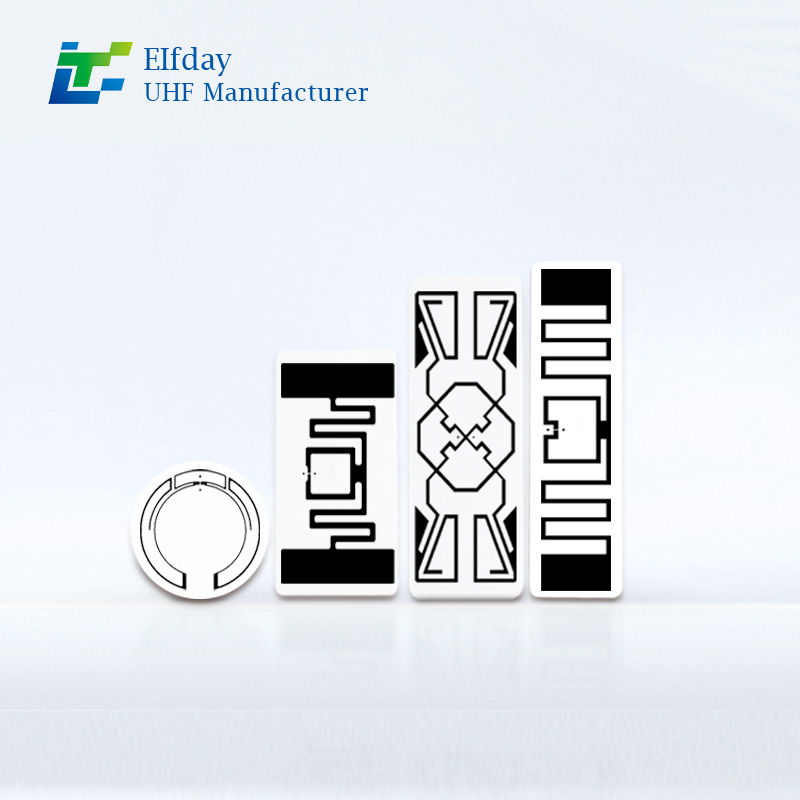
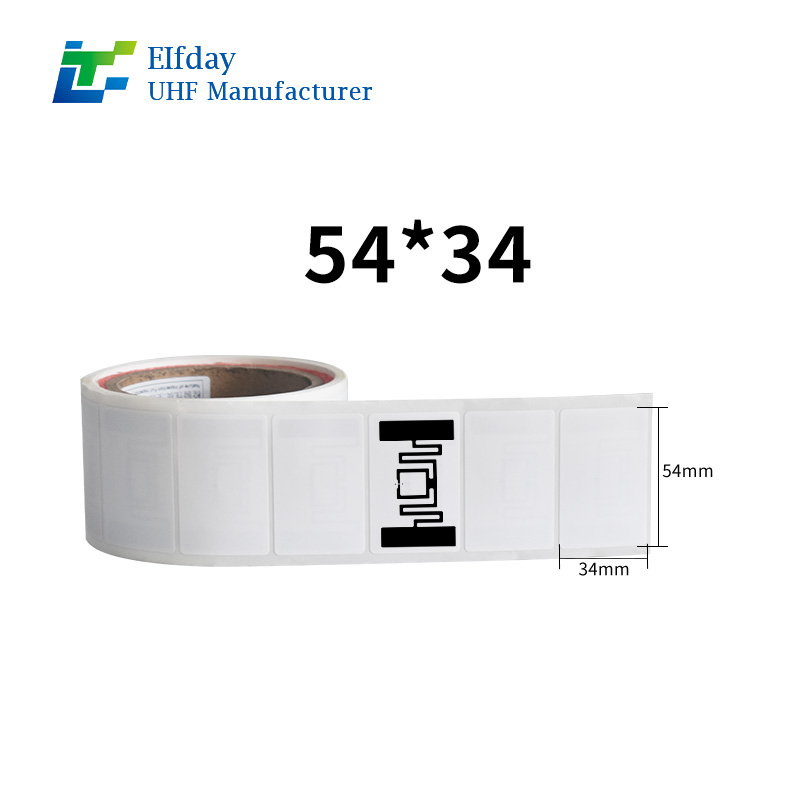
Not all RFID tags are created equal. The environment your pallets live in dictates the hardware. When sourcing RFID tags for pallets, you must consider two main factors: mounting surface and durability.
For Wooden Pallets: Wood is high in moisture and lignin, which can interfere with radio frequencies. You need on-metal or universal “true” tags designed to perform well on dielectric surfaces. Hard-shell, impact-resistant tags are ideal for wood.
For Plastic Pallets: Plastic is generally RFID-friendly, but you must account for the contents. If you are shipping metal cans or electronics, the cargo itself will detune the signal. In this case, use mount-on-metal (MoM) tags to stabilize the read range regardless of the product stacked on top.
For Reusable/High-Impact: Look for tags with an IP68 rating (waterproof and dust-tight) and high compression strength to withstand forklift strikes.
Step 2: The “3 Ps” of Placement – Position, Position, Position
The most common mistake in retrofitting is poor tag placement. To ensure that your RFID tags for pallets are read 100% of the time, you must standardize placement.
The “Pocket” Method:
Do not place the tag on the outer edge of the stringer (the wood block) where it can be sheared off by a forklift tine.
Best Practice: Mount the tag in the recessed pocket of the pallet—usually the void between the deck boards on the side of the pallet.
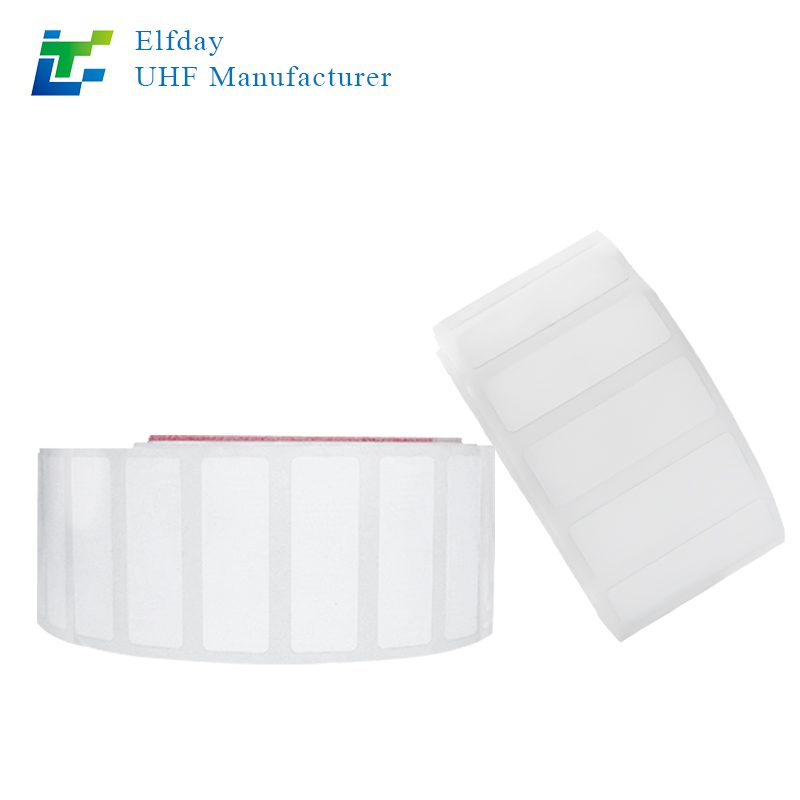
Orientation: Ensure the tag’s antenna faces the direction of the reader. If you use portal readers, orient the tag to face the aisle. If you use handheld readers, orient them to face the forklift operator’s scanning position.
Step 3: The Mounting Process – Adhesive vs. Mechanical
Retrofitting must be fast, or the labor cost will eat your savings. You have two primary methods for attaching RFID tags for pallets:
A. Industrial Adhesive (Best for Clean Pallets)
If your pallets are new or dry, use a high-bond acrylic adhesive or structural epoxy.
Pros: Fast application; no damage to the pallet structure.
Cons: Requires a clean surface. Dust or moisture will cause tag loss.
B. Mechanical Fasteners (Best for Dirty/Wet Environments)
For pallets that go through wash cycles (in food & beverage) or are constantly exposed to the elements, rivets or screws are the gold standard.
Pros: Permanent. Will not fall off even if the pallet is power-washed.
Cons: Slower installation. Requires drilling or specialized tools.
Pro Tip: For high-volume retrofits, consider a “tagging gun” similar to a heavy-duty pop-rivet gun. This allows a worker to apply a new RFID tag for pallets in under 3 seconds per pallet.
Step 4: Encoding and Commissioning
A tag is just a sticker until it is encoded. Commissioning is the process of linking the unique ID number on the tag to the asset (the pallet) in your Warehouse Management System (WMS).
When retrofitting, do not batch-encode tags before attaching them. This leads to mismatched data if a worker grabs the wrong tag.
The Workflow: Apply the tag to the pallet first. Then, scan the tag with a handheld RFID reader while simultaneously scanning the pallet ID (or entering it into the system). This “pairing” ensures your data integrity remains perfect.
5. Testing: The Read Rate Validation
Before you send 1,000 retrofitted pallets into the wild, you must test.
Build a “portal” simulation. Stack the pallets with RFID tags for pallets three high and drive a forklift through the gate at full speed.
Goal: Aim for a 99.5%+ read rate.
Troubleshooting: If reads are inconsistent, check for “tag collision” (tags too close together) or adjust the power output of your readers.
Boost Your ROI with Smart Retrofitting
Retrofitting your existing pallets is the fastest path to a smart warehouse. By investing in high-quality RFID tags for pallets and following the proper installation protocols, you achieve:
Lower Capital Expenditure: No need to buy new pallets.
Zero Disruption: You can roll out the retrofitting in phases without halting operations.
Immediate ROI: Reduce lost assets by 20-30% in the first quarter alone.
Ready to Start Your Retrofit?
Don’t let your existing pallet inventory hold you back. Whether you need rugged, industrial-grade RFID tags for pallets or assistance setting up an automated encoding station, we are here to help.