








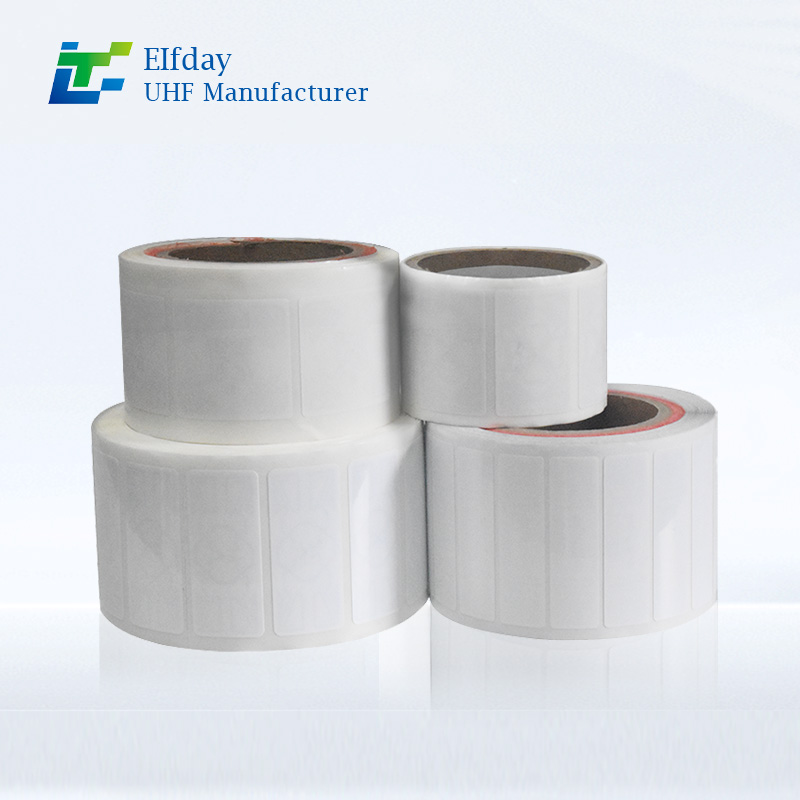
How to Choose the Right RFID Tags for Electronics
If you’ve started looking into RFID tags for electronics, you’ve probably noticed there are dozens of options out there. Different sizes, different materials, different frequency bands. It’s easy to feel overwhelmed. And here’s the thing — picking the wrong one isn’t just annoying. It’s expensive. You might end up with tags that won’t read through a metal enclosure, fall off after a few weeks, or cost way more than they should.
But choosing the right RFID tags for electronics doesn’t have to be complicated. You just need to know a few key things before you buy. In this guide, I’ll walk you through exactly what to look for, what to avoid, and how to make sure the tags you choose actually work in the real world.
Why Choosing RFID Tags for Electronics Is Different
RFID works great on cardboard boxes and plastic totes. But electronics? That’s a completely different story.
Most electronic devices have metal components. Some have metal housings. Many are stored on metal racks or shelves. And metal, as you probably know, is terrible for radio signals. When you put a standard RFID tag directly on a metal surface, the metal reflects the reader’s signal back onto itself. This creates interference that either dramatically reduces the tag’s read range or stops it from responding altogether.
That’s why so many companies end up frustrated. They buy a batch of cheap RFID tags, stick them on their IT assets or production equipment, and then nothing works.
The good news? Once you understand a few basic principles, you can avoid all that trouble.
Start With Your Application, Not the Tag
Here’s a mistake I see all the time. Someone decides they want to implement RFID. Then they immediately start shopping for tags. They look at prices, they look at sizes, they pick something that looks good — and only then do they think about how it’s actually going to be used.
That’s backwards.
Before you even look at a single RFID tag, you need to answer three questions:
What are you tagging? Is it a laptop? A server in a data center? A PCB board moving down an assembly line? A power tool in a warehouse? Each of these has different requirements.
Where will the tag go? Will it be attached directly to metal? Will it be inside a plastic enclosure? Will it be exposed to heat, chemicals, or vibration? Will it need to survive being dropped or washed?
How will you read it? Do you need to read tags from across a warehouse floor, or just from a few inches away? Will you be reading one tag at a time or hundreds at once?
Once you have clear answers to these questions, choosing the right RFID tags for electronics becomes much easier.
The Frequency Question: HF vs UHF
This is probably the biggest decision you’ll make. RFID tags operate at different frequencies, and each one has its own strengths and weaknesses.
High Frequency (HF) — 13.56 MHz
HF RFID tags for electronics are a solid choice for many applications. They typically have a read range of up to about 30 centimeters, though some can go a bit farther under ideal conditions. They’re less sensitive to metals and liquids than UHF tags, which makes them a safer bet if you’re tagging metal objects.
HF is what powers NFC, the technology in contactless payment cards and phone tap-to-pay systems. It’s reliable, well-standardized, and generally easier to work with than UHF.
When to choose HF: You’re tagging items that will be read at close range — think handheld scanners at a workbench, or readers built into a conveyor line. HF is also great for applications where tags pass through a reader in a fixed position and orientation, since the short read range actually becomes an advantage.
Ultra-High Frequency (UHF) — 860 to 960 MHz
UHF is the fastest-growing segment of the RFID market for a reason. These tags can be read from up to 8 meters away, which makes them perfect for warehouse-wide inventory sweeps, loading dock automation, and any situation where you don’t want to get close to every single item.
But UHF has a catch. It’s much more sensitive to metal and moisture. Stick a standard UHF tag directly on a metal laptop case or a server chassis, and you might not get any read at all. That’s why you’ll often see UHF tags designed specifically “on-metal” applications, with special engineering to overcome this problem.
When to choose UHF: You need long read ranges or you need to read hundreds of tags at once. Warehouse inventory, asset audits across large facilities, and automated receiving are classic UHF use cases.
And here’s something you should know — you’re not locked into one frequency forever. Some newer UHF tags are designed to work better around metal using near-field coupling, similar to how HF tags operate. The technology keeps getting better.
Don’t Ignore the Environment
Electronics don’t just sit on clean shelves in climate-controlled offices. They go through manufacturing lines. They get loaded onto trucks. They sit in data centers that run hot 24/7.
The environment your RFID tags for electronics will live in matters more than you might think.
Metal Surfaces
If your electronics have metal housings — and many do — you need tags specifically designed for metal. Standard RFID tags will either refuse to read at all or give you inconsistent results. The right on-metal tags use special antenna designs or spacer materials to isolate the tag from the metal surface.
The good news is that on-metal RFID tags for electronics have come a long way. You can now find everything from small adhesive tags for laptops to rugged screw-mount tags for industrial equipment. Some are flexible enough to conform to curved surfaces, while others are built into durable PCB-based designs that can withstand years of use.
Temperature
Manufacturing environments can get hot. Curing ovens, paint drying lines, autoclaves — these processes expose tags to sustained high temperatures that standard labels simply can’t handle.
If your electronics go through any kind of thermal processing, you’ll need high-temperature tags. PCB-based tags can typically withstand around 150 to 180 degrees Celsius, though their tolerance time is limited. For hotter environments or longer exposure, ceramic tags can handle up to 250 degrees Celsius.
Chemicals and Moisture
Some electronics get exposed to harsh chemicals during manufacturing. Degreasers, alkaline cleaners, acidic baths — these substances can rapidly degrade standard adhesives and protective layers.
And don’t forget about moisture. If your tags might get wet, look for IP-rated waterproof tags. If they might get splashed with solvents or oils, you need chemical-resistant options. The right tags for these environments are often fully encapsulated in rugged housings that keep everything sealed tight.
Vibration and Impact
This one’s easy to overlook. Electronics get moved around. They’re carried, loaded onto carts, stacked on shelves, shipped across the country. Each time something moves, its RFID tag gets jostled.
Standard label tags might peel off over time. Hard tags with mechanical mounting options — screw holes, zip-tie slots — stay put much longer. If you’re tagging equipment that gets handled frequently, spend a little extra on tags that can take the abuse.
Size Matters More Than You’d Expect
Here’s a rule of thumb you can count on: bigger tags generally have better read range. That’s because a larger antenna can pick up more signal from the reader.
But bigger isn’t always better. You can’t put a tag the size of a credit card on a tiny PCB board or a small handheld device. That’s where miniaturization comes in.
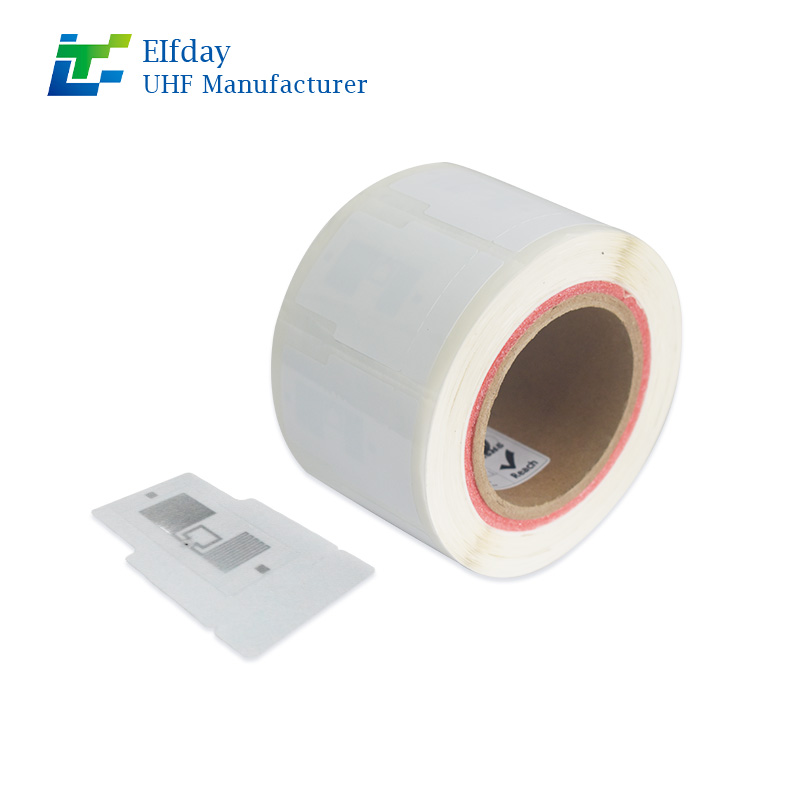
Modern RFID tags for electronics can be incredibly small. Some SMD-style tags measure just a few millimeters across — 2.6 by 2.4 millimeters in some cases. That’s small enough to embed directly into a PCB during manufacturing. These tiny tags still deliver useful read ranges, especially when they’re designed with optimized ferrite cores or other performance-enhancing features.
The takeaway? Don’t assume you need the smallest tag available just because your device is small. Work backward from your read range requirements. If you only need to read the tag from a few inches away, a small tag might work fine. If you need to scan from across the room, you’ll probably need something larger.
Passive vs Active — What Do You Actually Need?
This is another big fork in the road.
Passive RFID tags have no battery. They draw power from the reader’s signal. They’re cheap, lightweight, and last for years — basically as long as the physical tag holds up. Most applications, including almost all electronics tracking, use passive tags.
Active RFID tags have their own battery. They broadcast their signal continuously, which means they can be read from much farther away — tens or even hundreds of meters. But they’re expensive, bulky, and the battery eventually dies.
For the vast majority of electronics tracking — IT asset management, manufacturing work-in-progress tracking, warehouse inventory — passive tags are the right choice. Active tags only make sense for things like tracking shipping containers across a port or monitoring high-value assets moving across a huge outdoor facility.
Watch Out for Common Mistakes
After talking to a lot of companies who’ve been through RFID implementations, I’ve seen the same mistakes come up again and again.
Mistake 1: Picking Tags Before Understanding Your System
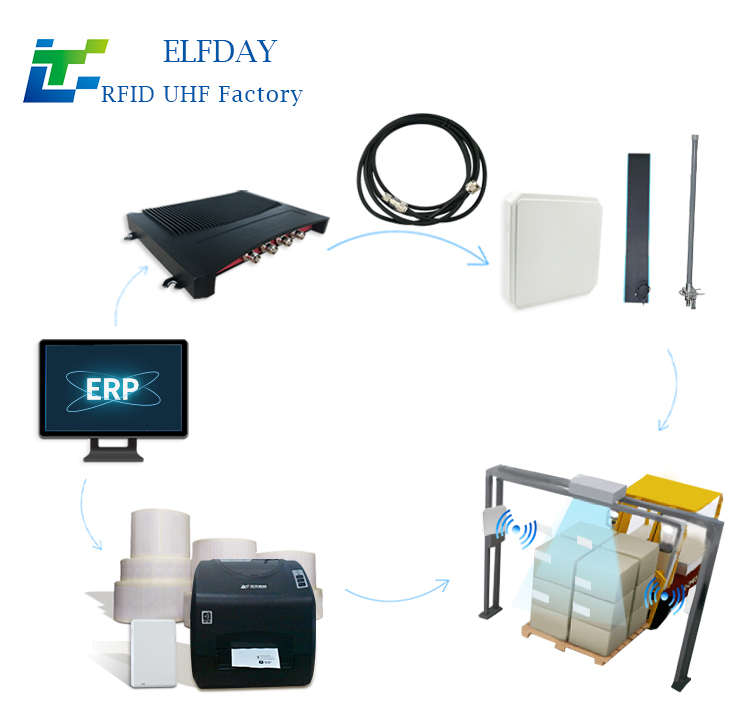
I mentioned this earlier, but it’s worth repeating. The tag is just one piece of the puzzle. It needs to work with your readers, your antennas, your software, and your workflow. Pick the tag too early, and you might paint yourself into a corner.
Mistake 2: Assuming All Tags Are the Same
They’re not. A tag that works beautifully on a cardboard box might fail completely on a metal server chassis. A tag that survives a warehouse environment might melt on a production line. Different tags are designed for different surfaces, different frequencies, and different environments.
Mistake 3: Skipping Real-World Testing
This is the biggest one. I’ve seen so many companies do a quick test in a clean office, everything works perfectly, and then they roll out to the factory floor — where everything falls apart. Production environments have metal everywhere. Heat cycles can weaken antenna bonds. Chemicals can break down adhesives. Vibrations can shake tags loose.
Always test in the actual environment where your RFID tags for electronics will live. Take a handful of candidate tags, stick them on real devices, run them through your real processes for a week or two, and see what survives.
Making the Final Decision
By now, you probably have a much clearer picture of what you need. Let me give you a simple framework to wrap it all up.
First, write down your application. What electronics are you tagging? Where are they? How will they be read?
Second, identify your environmental constraints. Metal? Heat? Chemicals? Vibration? Moisture? Check off each one.
Third, determine your read range requirement. Inches, feet, or across the room?
Fourth, pick your frequency. HF for controlled, close-range reads. UHF for long-range or bulk reading.
Fifth, choose your form factor. Hard tag, soft label, PCB-embedded, or something in between.
Finally — and I can’t stress this enough — test before you commit.
The right RFID tags for electronics can transform how you track your assets. They can cut inventory time from hours to minutes. They can eliminate the errors that come with manual data entry. They can give you real-time visibility into where your equipment is and how it’s being used.
But only if you choose the right ones.
So take your time. Ask questions. Test thoroughly. And don’t settle for “good enough” when you can get tags that actually work for your specific application. The upfront effort is small compared to the cost of replacing a failed RFID system six months from now.
If you’re still not sure where to start, that’s okay. Most people aren’t RFID experts — that’s why we’re here. Get in touch with our team, and we’ll help you figure out exactly which RFID tags for electronics make sense for your situation. No hard sell, just honest advice from people who’ve done this before.
Your electronics deserve better than guesswork. Let’s get it right the first time.