








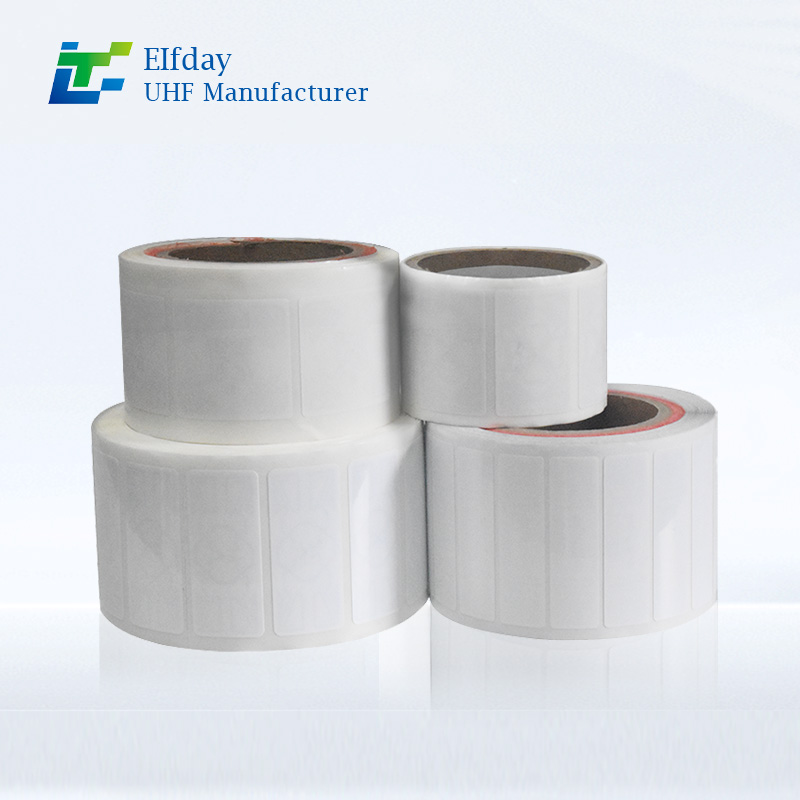
How to Integrate UHF RFID Tags with Your Existing ERP System
In today’s fast-paced business environment, accurate data is the fuel that powers decision-making. Your Enterprise Resource Planning (ERP) system is the engine, but if the data going into it is manual and error-prone, you are essentially driving with the handbrake on. This is where UHF RFID tag technology comes into play.
Integrating UHF RFID tags with your existing ERP system bridges the gap between the physical flow of goods and the digital record. Instead of employees manually scanning barcodes or typing in numbers, RFID reads whole pallets in seconds, automatically updating your inventory in real-time.
If you are looking to eliminate warehouse errors, speed up logistics, and gain true visibility over your assets, here is exactly how to integrate UHF RFID tag technology with the ERP system you already use.
1. Why Integrate UHF RFID with Your ERP?
Before diving into the "how," it is vital to understand the "why." Many businesses assume their current barcode system is "good enough." However, the ROI of RFID often surpasses expectations due to three key factors .
Error Elimination: Manual data entry or barcode scanning is prone to human error. A UHF RFID tag can be read without line of sight, ensuring that the items received are exactly what hits the ERP inventory module .
Speed: A handheld RFID reader can capture hundreds of tags per second. This turns a 3-hour manual spot-check into a 60-minute full inventory audit .
Real-Time Visibility: When an item moves past a dock door portal, the ERP knows immediately. This allows for accurate Advance Shipping Notices (ASNs) and billing .
2. Understanding the Core Components
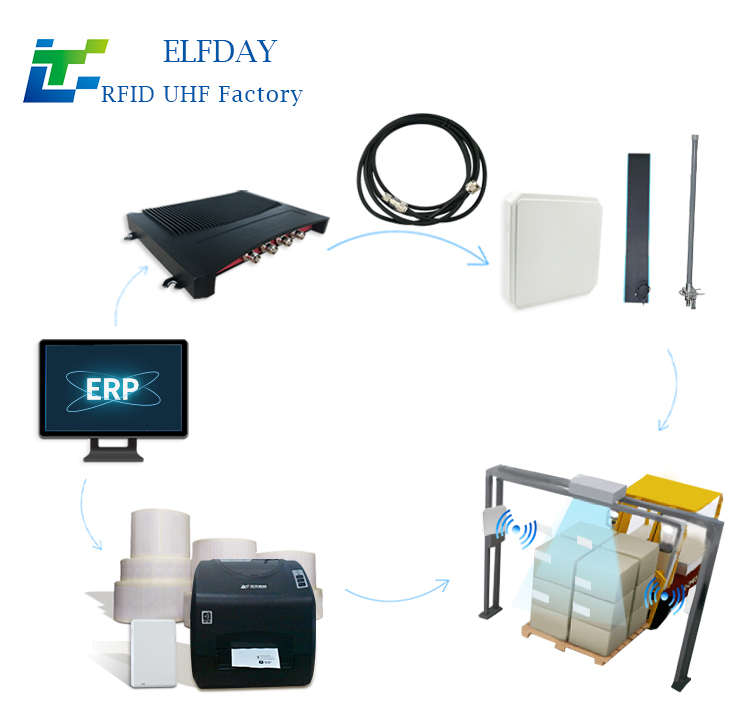
To successfully bridge your physical inventory with your digital ERP, you need a cohesive system. Based on industry standards, the architecture usually consists of three layers :
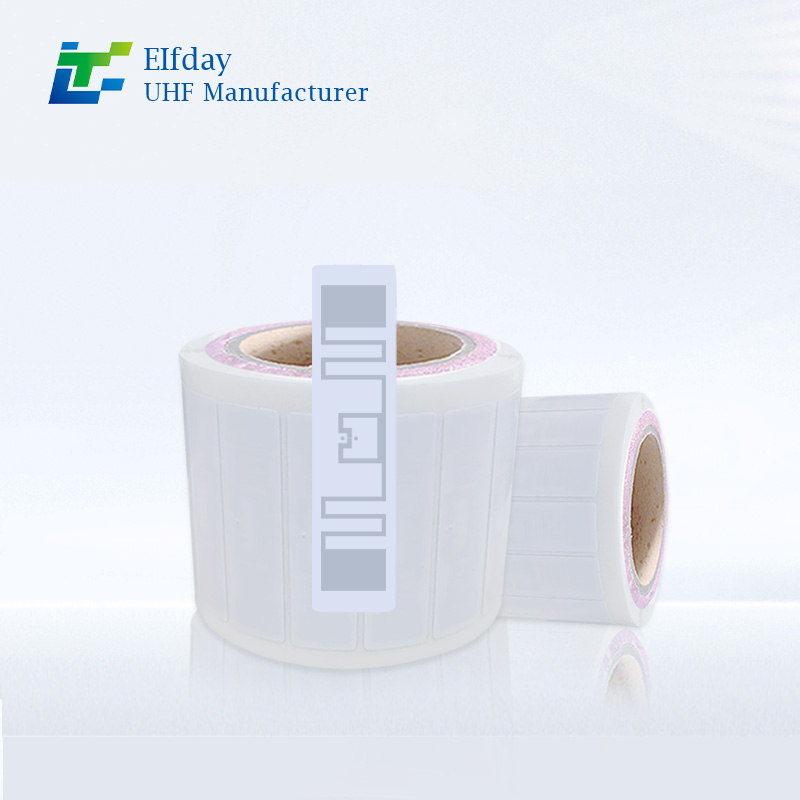
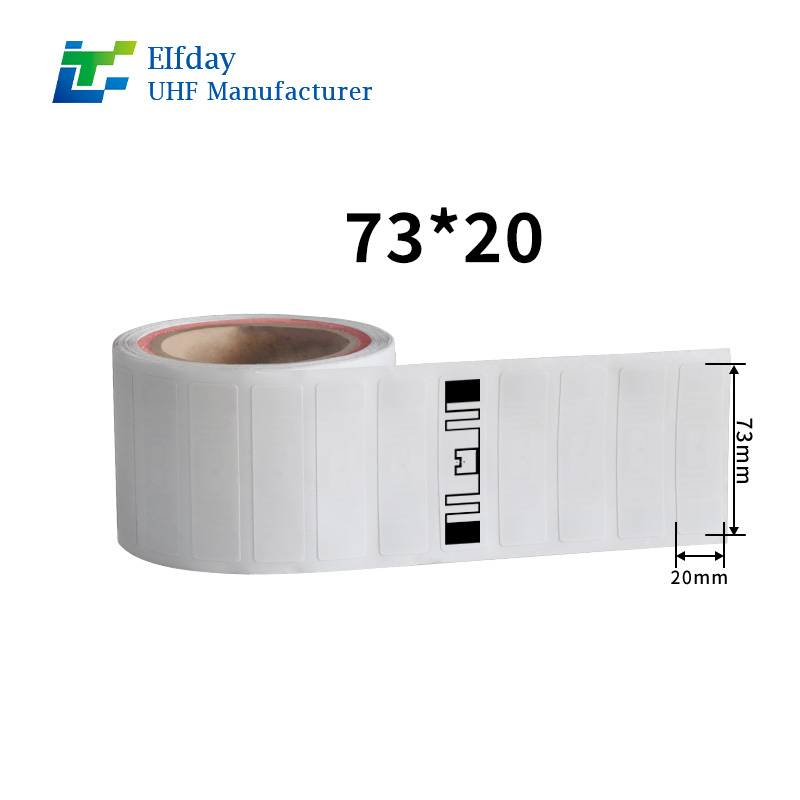
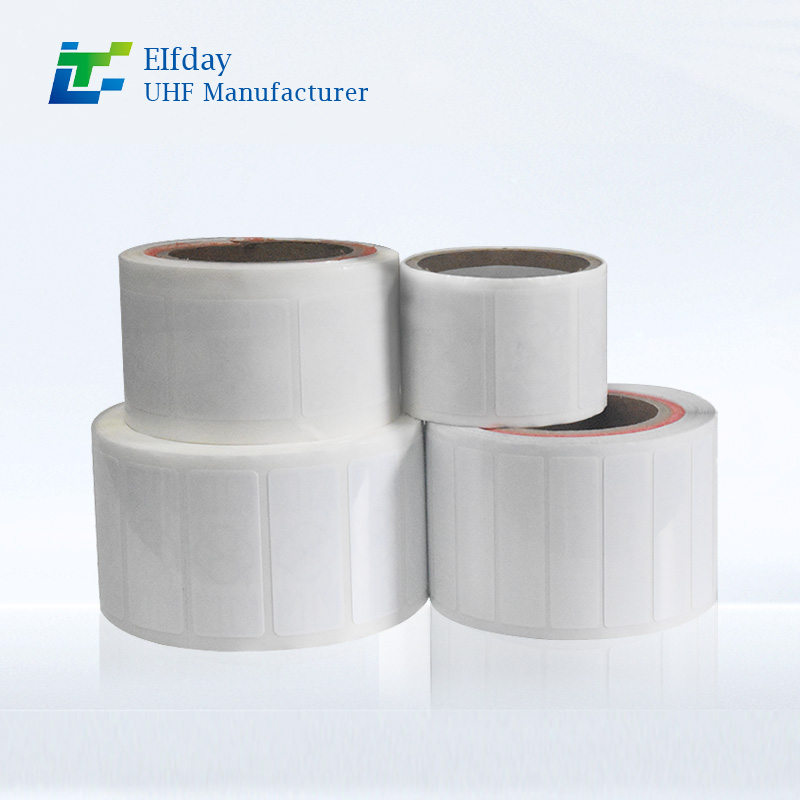
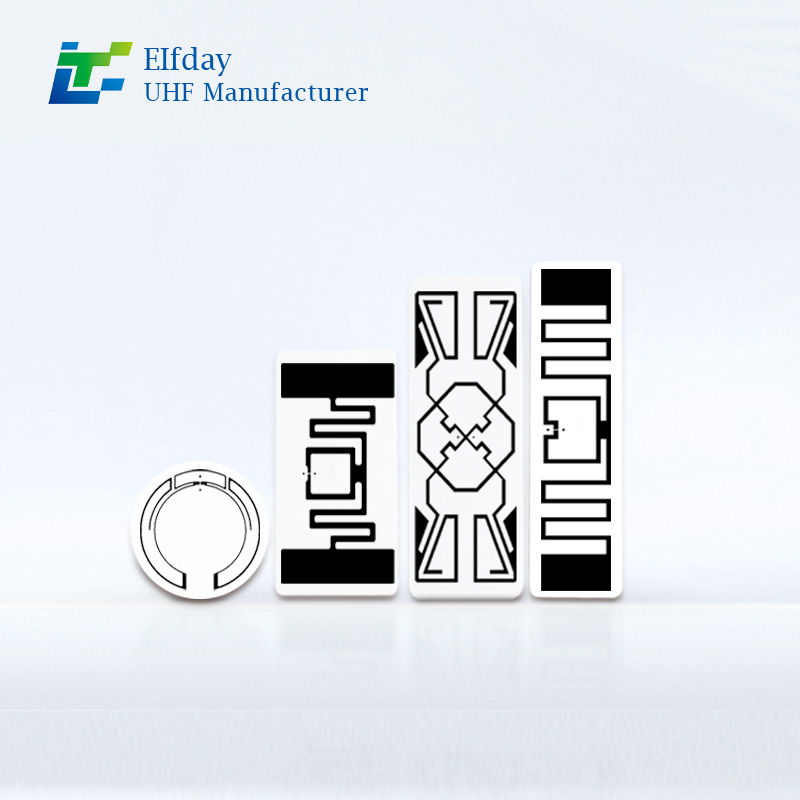
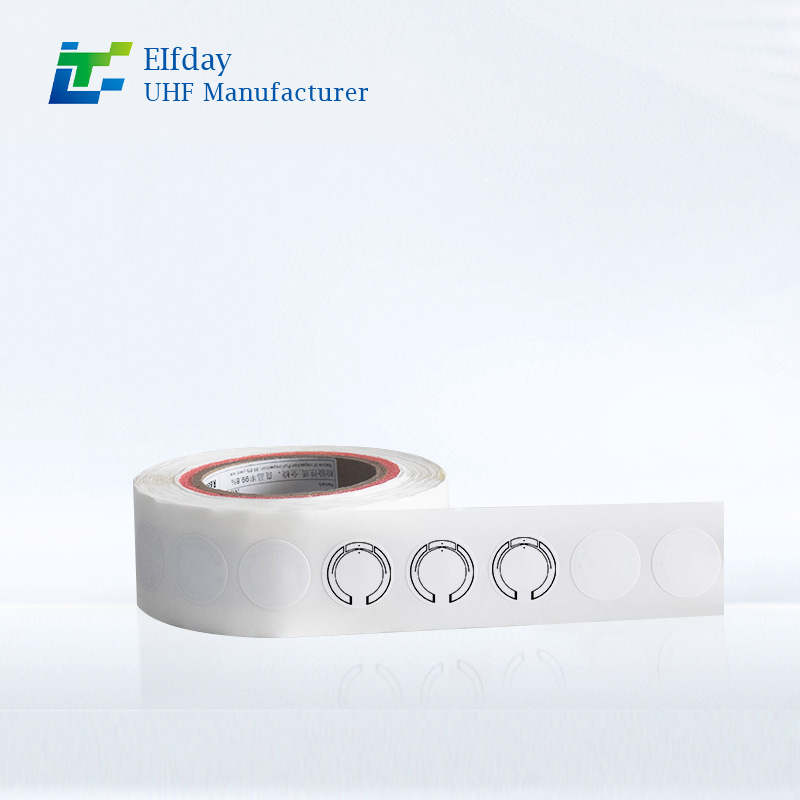
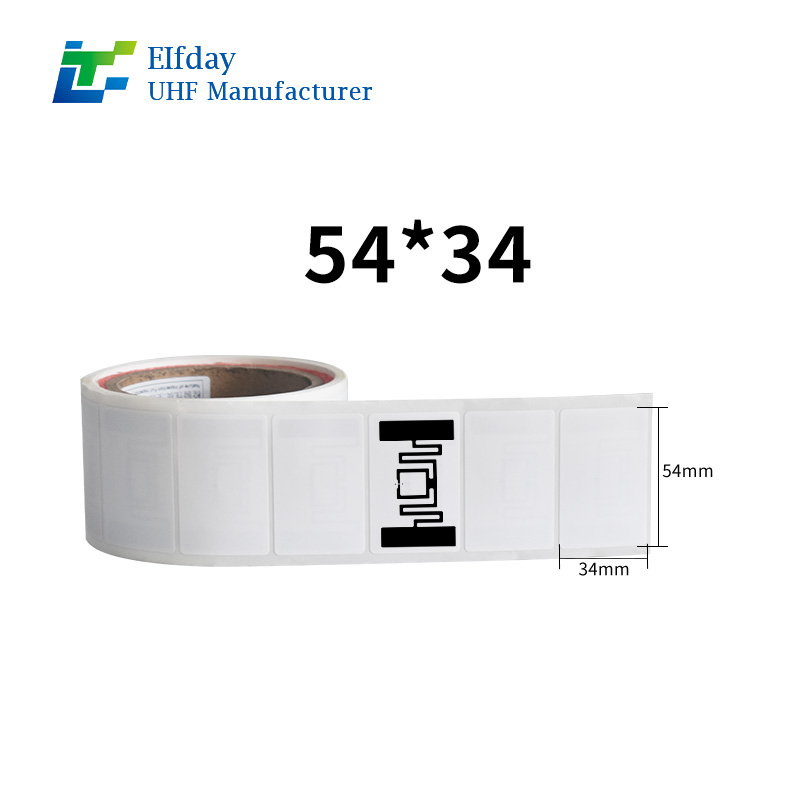
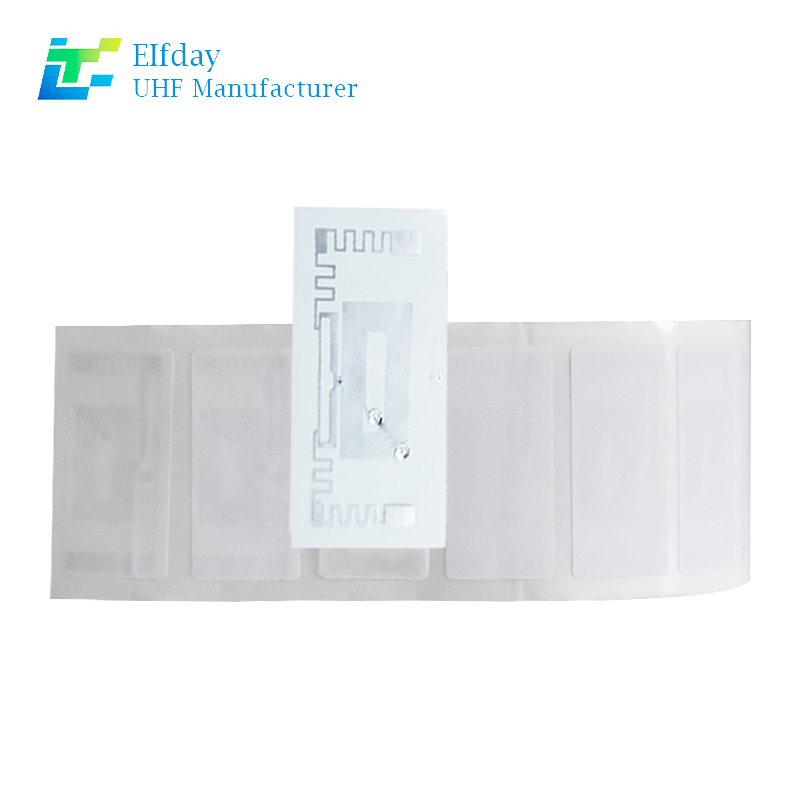
The Identification Layer: This is the UHF RFID tag itself. Depending on your assets, you may need specific tags—such as metal-mount tags for equipment or rugged tags for reusable containers .
The Infrastructure Layer: This includes handheld readers (like the Zebra TC53e), fixed portal readers for dock doors, and forklift-mounted readers for warehouse movements .
The Integration Layer (Middleware): This is the most critical piece. Middleware software captures the raw data from the readers, filters out duplicates, and translates it into a language your ERP understands (like XML or JSON) .
3. The Integration Process: Step-by-Step
Integrating UHF RFID tags with an ERP like SAP, Microsoft Dynamics, or Oracle doesn't have to mean replacing your existing infrastructure. Most modern integrations rely on APIs and middleware.
Step 1: Define Your Use Case and Tag Your Assets
Start small. Decide whether you are tagging finished goods, raw materials, or fixed assets.
For finished goods: Ensure the UHF RFID tag is encoded with a unique Serial Shipping Container Code (SSCC) or Global Trade Item Number (GTIN) that aligns with your ERP's data structure.
For fixed assets: Register the asset in the ERP first, then encode that unique ID onto the RFID tag and physically apply it .
Step 2: Set Up the Reading Infrastructure
Install your readers based on your workflow.
Dock Doors: Install RFID portals to automatically read UHF RFID tags as goods enter or exit. This automatically triggers receipt or shipping transactions in the ERP .
Forklifts: Equip forklifts with readers. As a driver moves a pallet, the system reads a floor location tag and the pallet tag, automatically updating the inventory location in the WMS/ERP .
Step 3: Middleware Configuration
The hardware reads tags, but the ERP needs business events.
Middleware acts as the translator. It takes the Electronic Product Code (EPC) from the UHF RFID tag and maps it to the corresponding purchase order or sales order in the ERP .
It filters data to ensure only meaningful events (like "item shipped") are sent to the ERP, rather than every single read event.
It handles communication protocols, ensuring the scanner data reaches systems like Microsoft Dynamics AX or SAP WMS smoothly .
Step 4: Real-Time Data Synchronization
Once the middleware is configured, test the data flow. When a tagged item passes through a portal:
The reader captures the UHF RFID tag data.
The middleware cleans the data and matches it to an order.
The ERP receives an update: inventory decreases, or an ASN is generated automatically.
The financial and planning modules now have accurate, real-time information.
4. Real-World Success Stories
The Apparel Distributor: 25,000 Items in 60 Minutes
Brook Taverner, a leading menswear brand, integrated UHF RFID tags with their ERP system to handle incoming shipments from overseas. Previously, manual spot-checks on a shipment of 25,000 garments took three hours and introduced errors. After integrating RFID portals with their ERP, they now validate the same shipment in under an hour. The system automatically checks items against the advanced shipping notice in the ERP, flagging discrepancies instantly .
The Paper Manufacturer: Automating 200,000 Transactions
At SCA tissue factories, paper rolls weighing 2.5 tons were tracked manually, leading to bookkeeping errors. By embedding UHF RFID tags into the cardboard cores and integrating them with SAP WMS, every movement of a roll by an RFID-equipped forklift automatically updated the system. This automated 200,000 transactions annually, virtually eliminating manual errors .
5. Key Benefits That Drive ROI
Why do companies make the leap? The numbers speak for themselves.
Inventory Accuracy: Jump from 85% accuracy to 99%+. This eliminates the "hidden" costs of safety stock held because you don't trust your ERP data.
Labor Efficiency: Count thousands of items without opening boxes or moving pallets. Cycle counting becomes a continuous, automated process .
Loss Prevention: RFID portals at exits can trigger alarms if untagged or unauthorized assets move through, securing assets from theft .
6. Overcoming Common Integration Challenges
Many businesses worry about the complexity of integration. However, modern solutions have evolved to address the historical pain points:
ERP Limitations: Older ERP systems weren't built for mobility. Middleware solves this by allowing offline data capture. If the Wi-Fi drops in the warehouse, the handheld stores the scans and syncs them once connectivity is restored, ensuring no data is lost .
Interference and Read Rates: In the past, metal or liquids could interfere with UHF RFID tag reads. Today, advanced tags and Gen2X technology enhance read ranges and filter out "clutter," ensuring that even difficult items are captured accurately .
7. Is It Time to Upgrade Your System?
If your team is still performing manual cycle counts, if you have "ghost inventory" that your ERP says is there but you can't find, or if you are shipping errors that hurt your customer relationships, it is time to act.
Integrating UHF RFID tags with your ERP is no longer a futuristic concept; it is a present-day competitive advantage. By automating the link between your warehouse floor and your financial systems, you stop working off stale data and start making decisions based on reality.
Ready to bridge the gap between your physical inventory and your digital ERP?
Contact our team today to discuss how our UHF RFID tag solutions can be tailored to your specific workflow. We’ll help you select the right tags, set up the middleware, and ensure a seamless integration that delivers immediate ROI.